Claude + ChatGPT settings guides for U.S. accounting firms
Every setting that touches client data
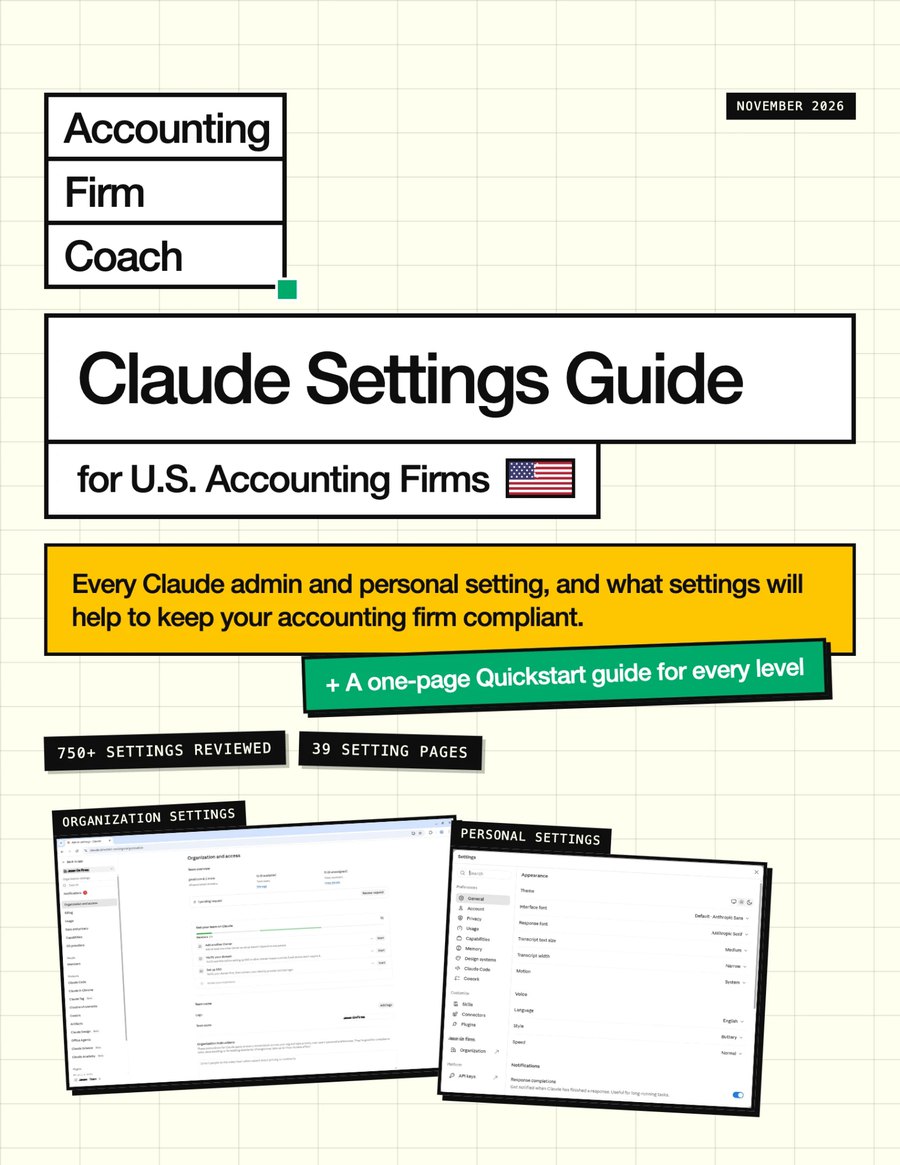
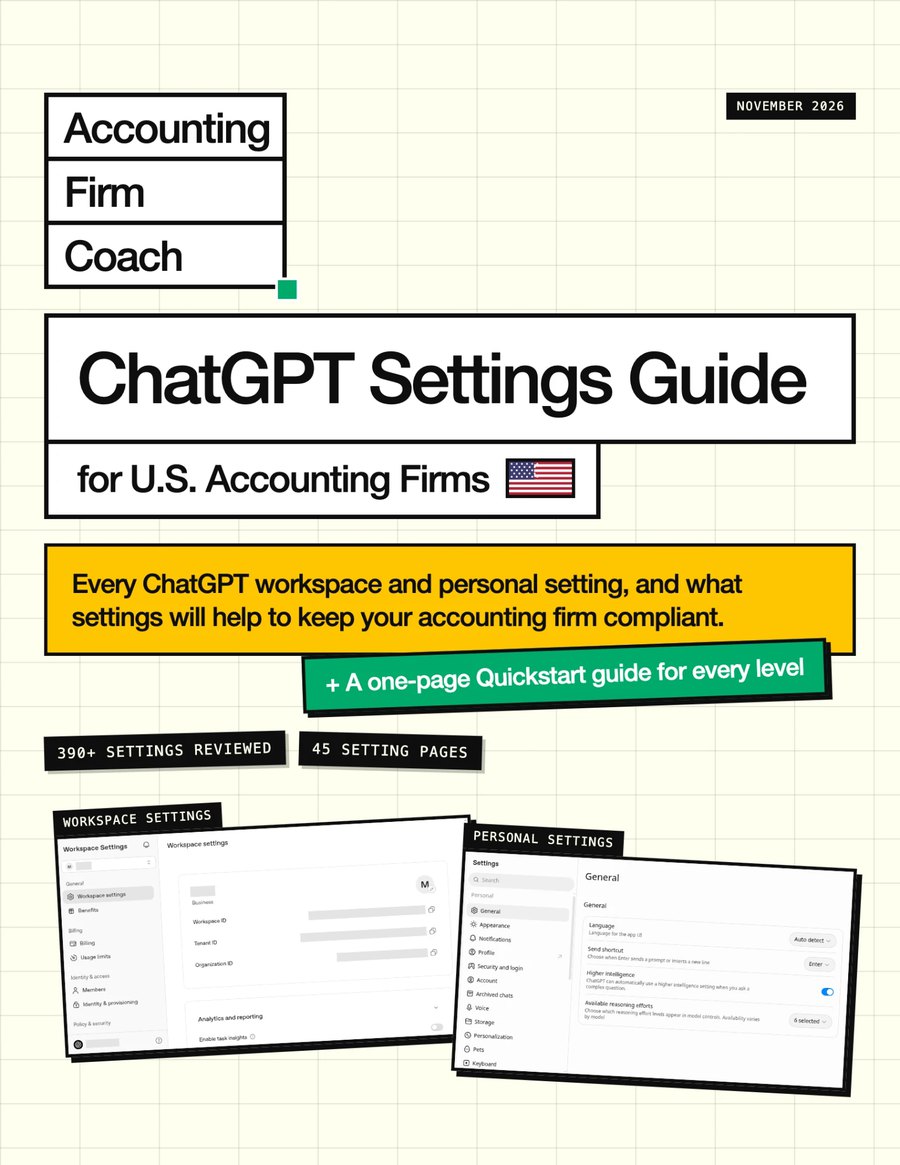
Plus a bonus guide
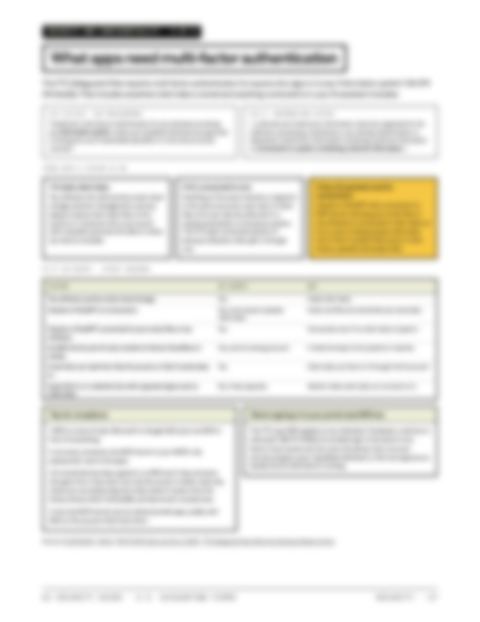
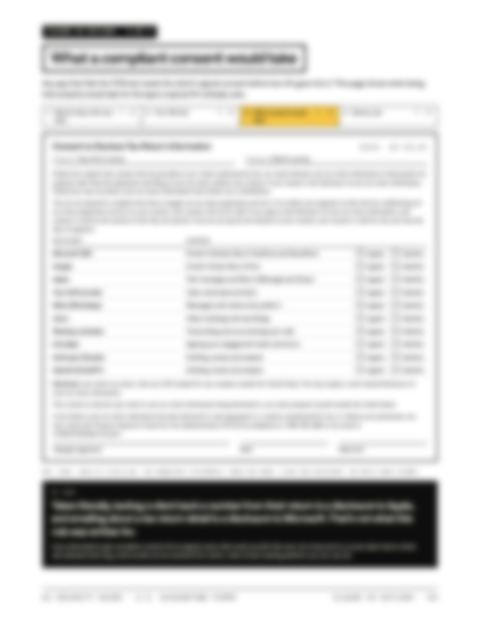
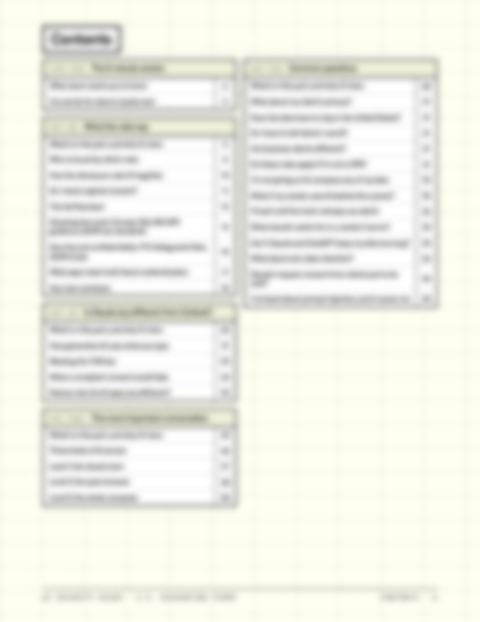
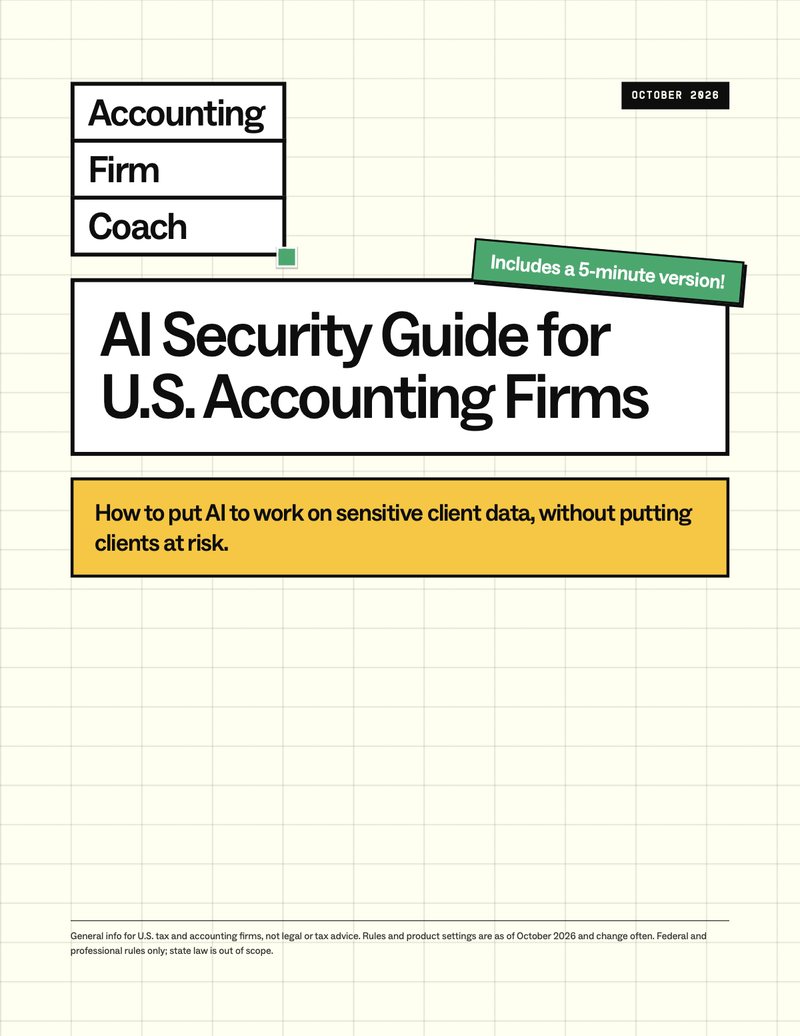
AI security guide for U.S. accounting firms
The settings guides tell you what to set. This one tells you why. How to put AI to work on sensitive client data without putting clients at risk: what the rules say, how AI really handles your data, and what to do next.
- The five-minute version. What I’d do in my firm today, and a nine-step to-do list covering engagement letters, your WISP and team training.
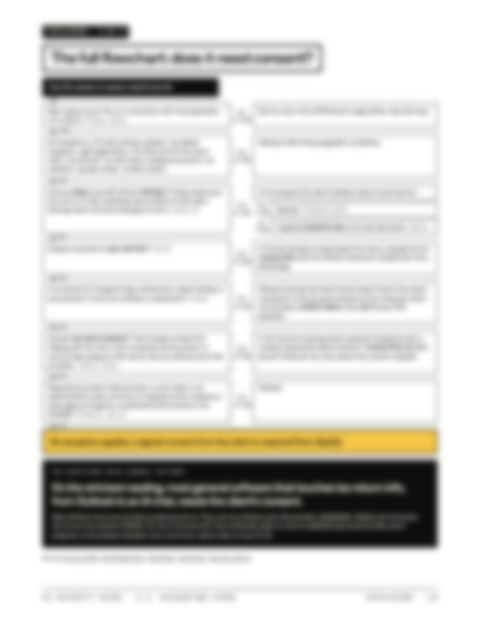
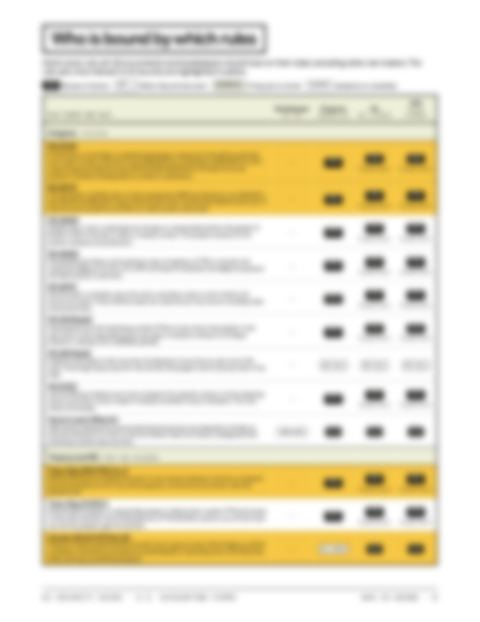
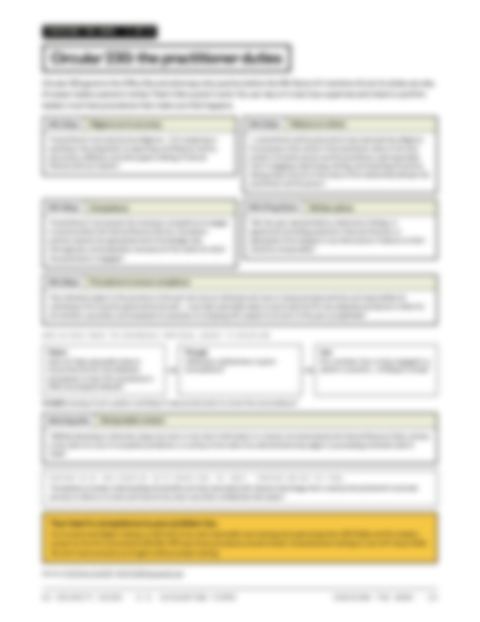
- What the rules say. §7216, Circular 230, the FTC Safeguards Rule and the AICPA Code, and when you need a signed consent.
- Can I use Claude or ChatGPT with client data? How generative AI uses what you type, rule by rule.
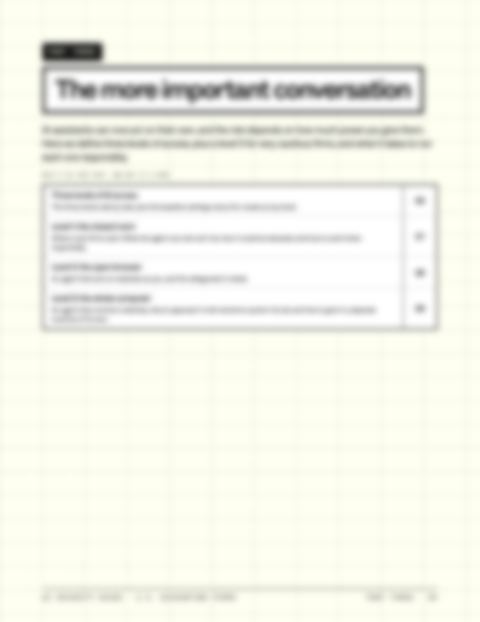
- The levels of AI access. The same levels the settings guides are built on, from the closed room to the whole computer.
- Common questions. Data residency, telling clients you use AI, retention, prompt injection and more.
What's inside each settings guide
1,140+ settings, two apps
84 setting pages across the two guides, 195 annotated screenshots of the real admin and personal settings screens, and a value for every security-sensitive setting at each of the four levels.
The four levels of AI access
A setup tailored to how aggressive you want to be. From the most locked-down way you could use an AI assistant, to more aggressive desktop automation. I’ll show you the different setups, and let you decide what you’re comfortable with.
A quickstart version
A one-page checklist for each level: every security-sensitive setting and the value to set it to. Pick your level and work down the list.
Admin settings
Claude’s organization settings and ChatGPT’s workspace settings, page by page in the same order as the admin menu. Each one has an annotated screenshot and a table with the value for levels 0 to 3.
Personal settings
The settings each staff member controls for themselves, from memory and connectors to data controls, so your team knows what to set too.
These guides are my reading of the settings as of November 2026, not legal or tax advice. Settings and menus change often, so confirm each one in your own admin console, then make your own decisions with the help of your own advisors.