ChatGPT settings guide for U.S. accounting firms
Every ChatGPT setting that touches client data
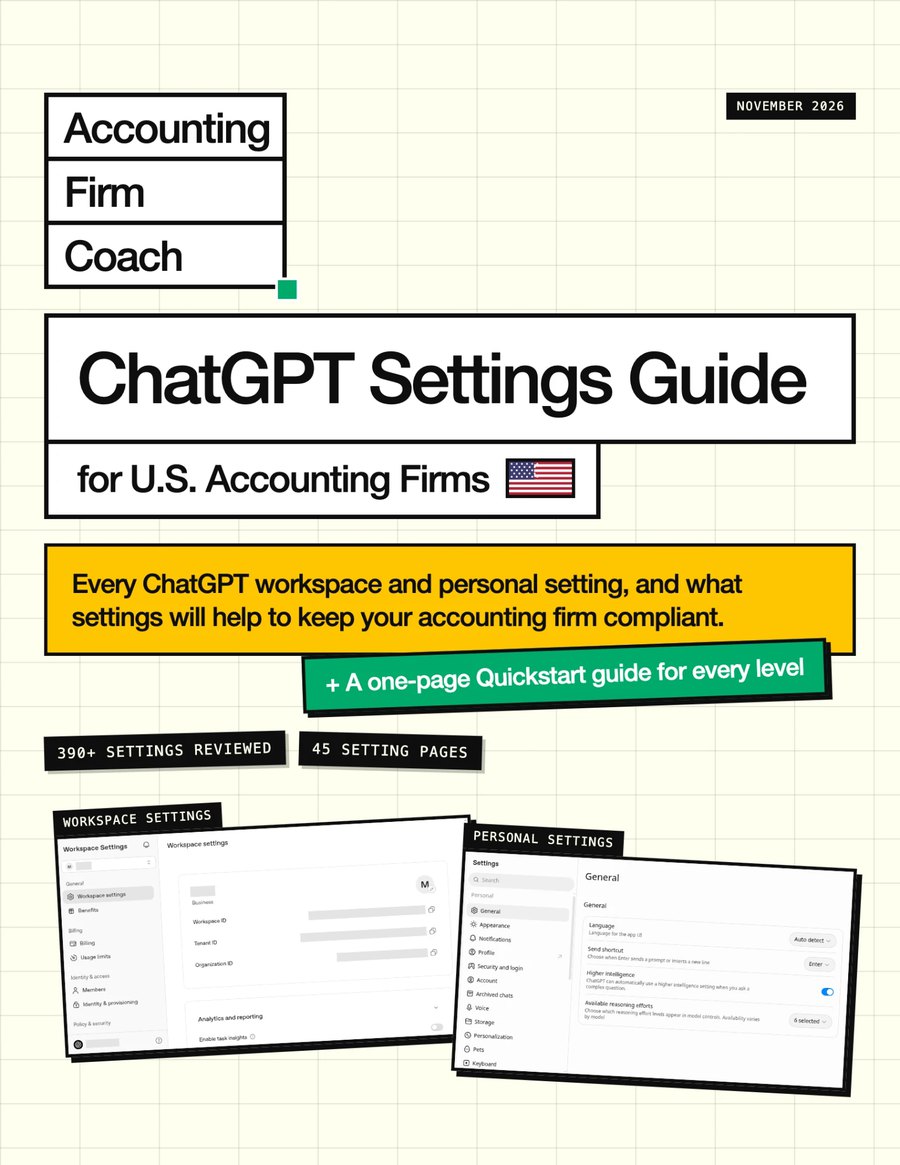
- 390+settings reviewed
- 104annotated screenshots
What you're getting
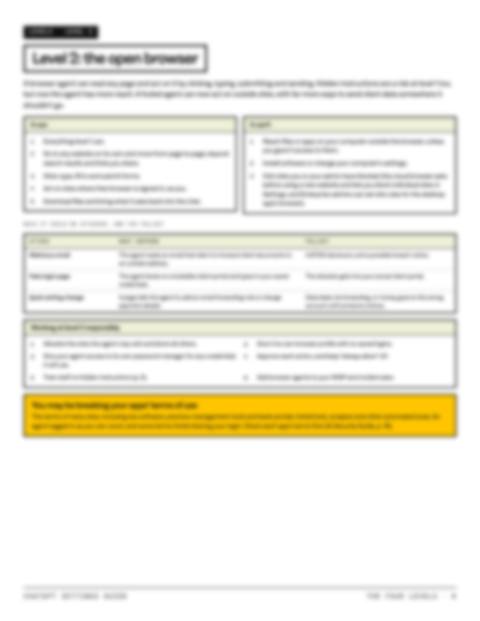
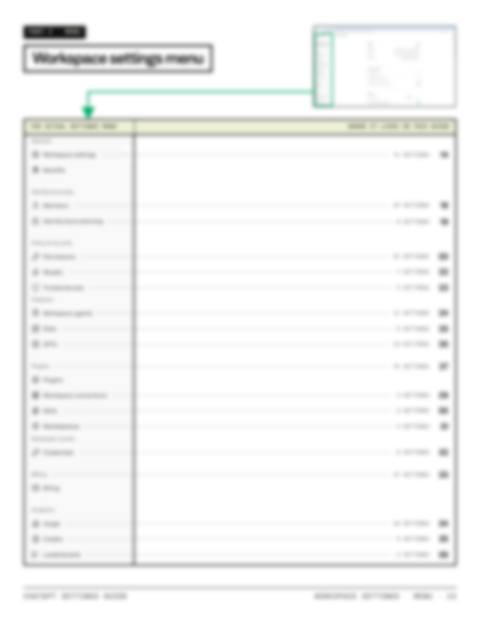
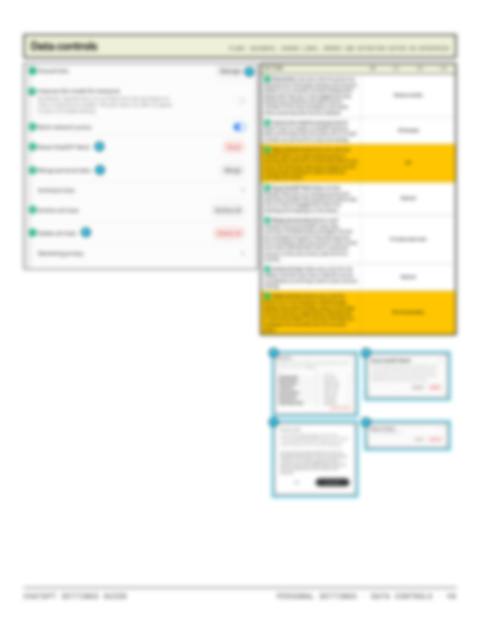
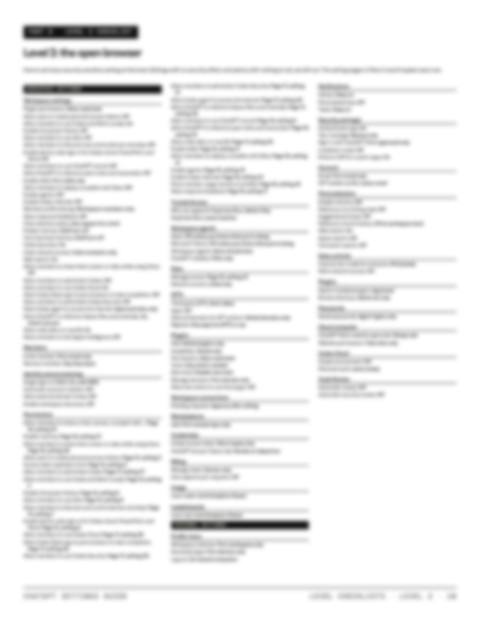
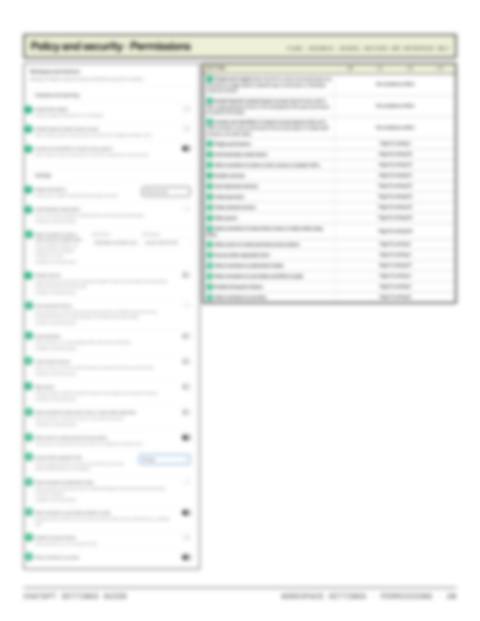
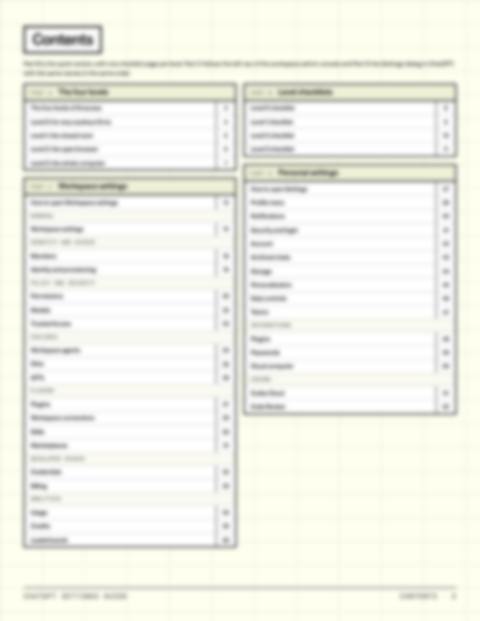
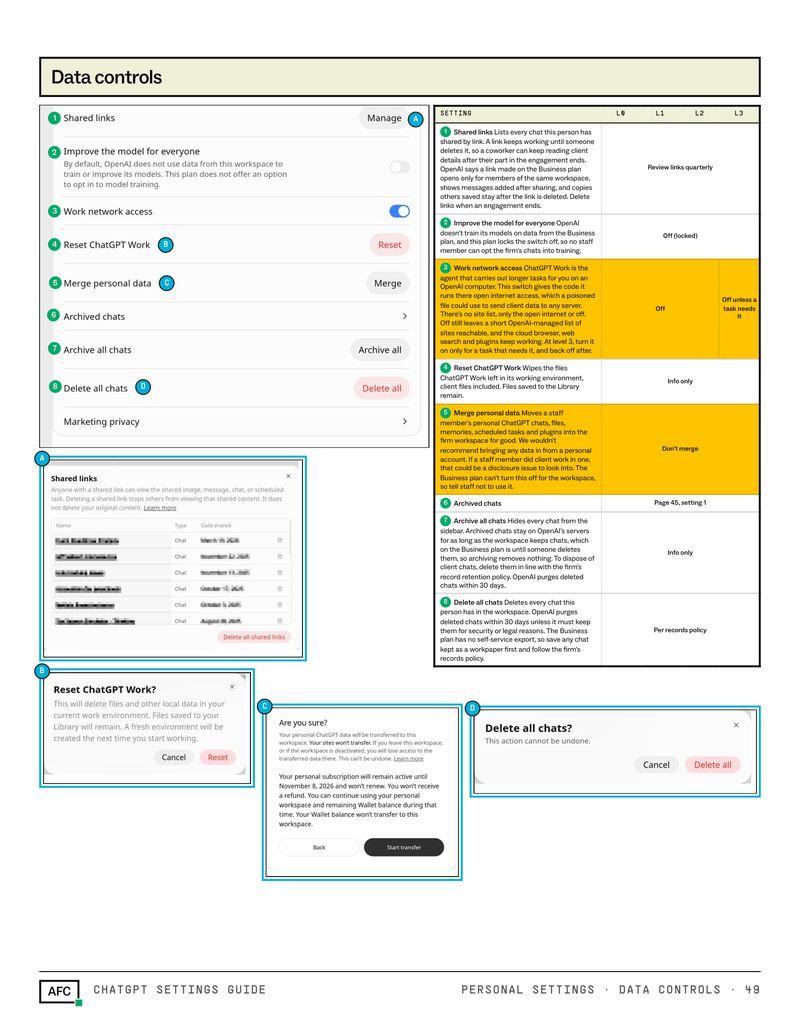
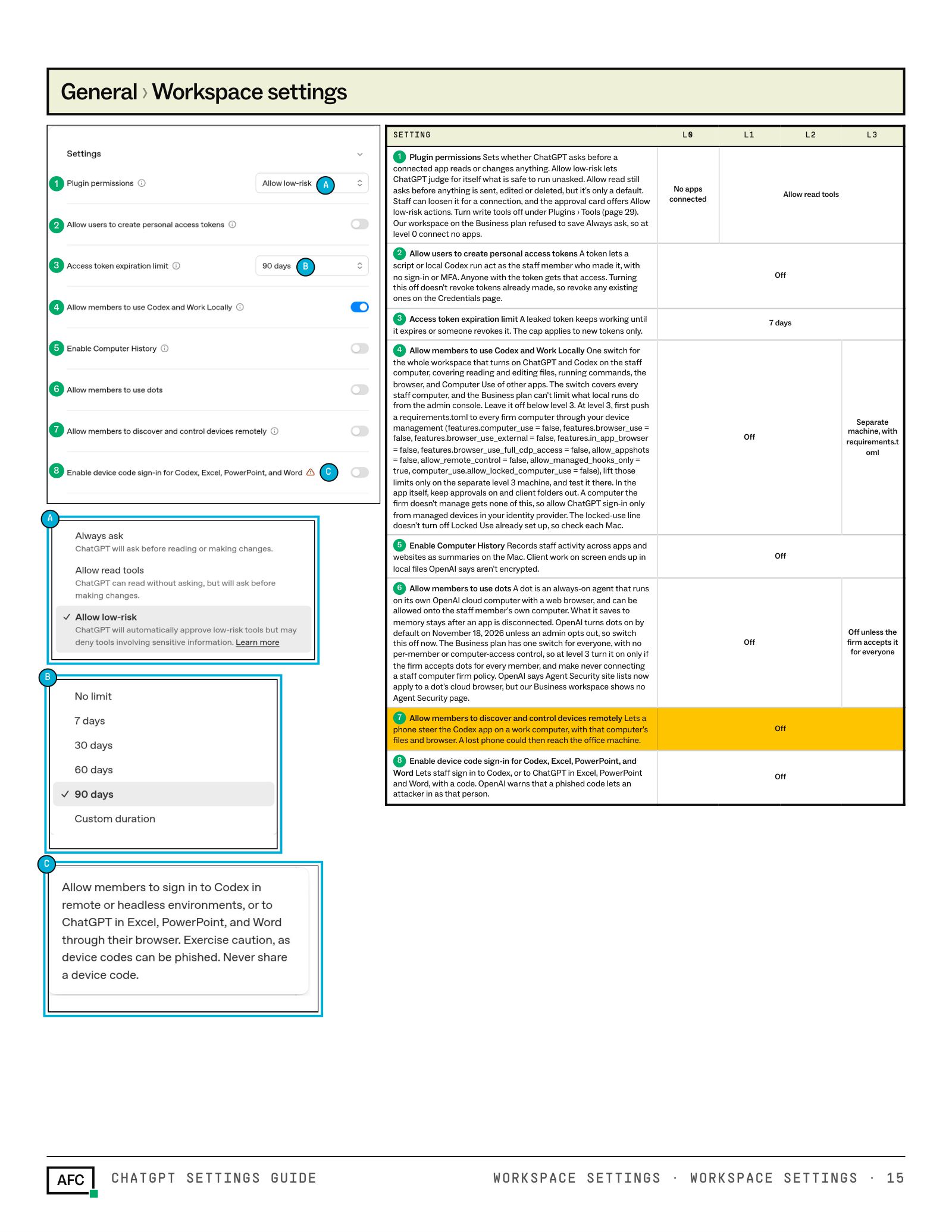
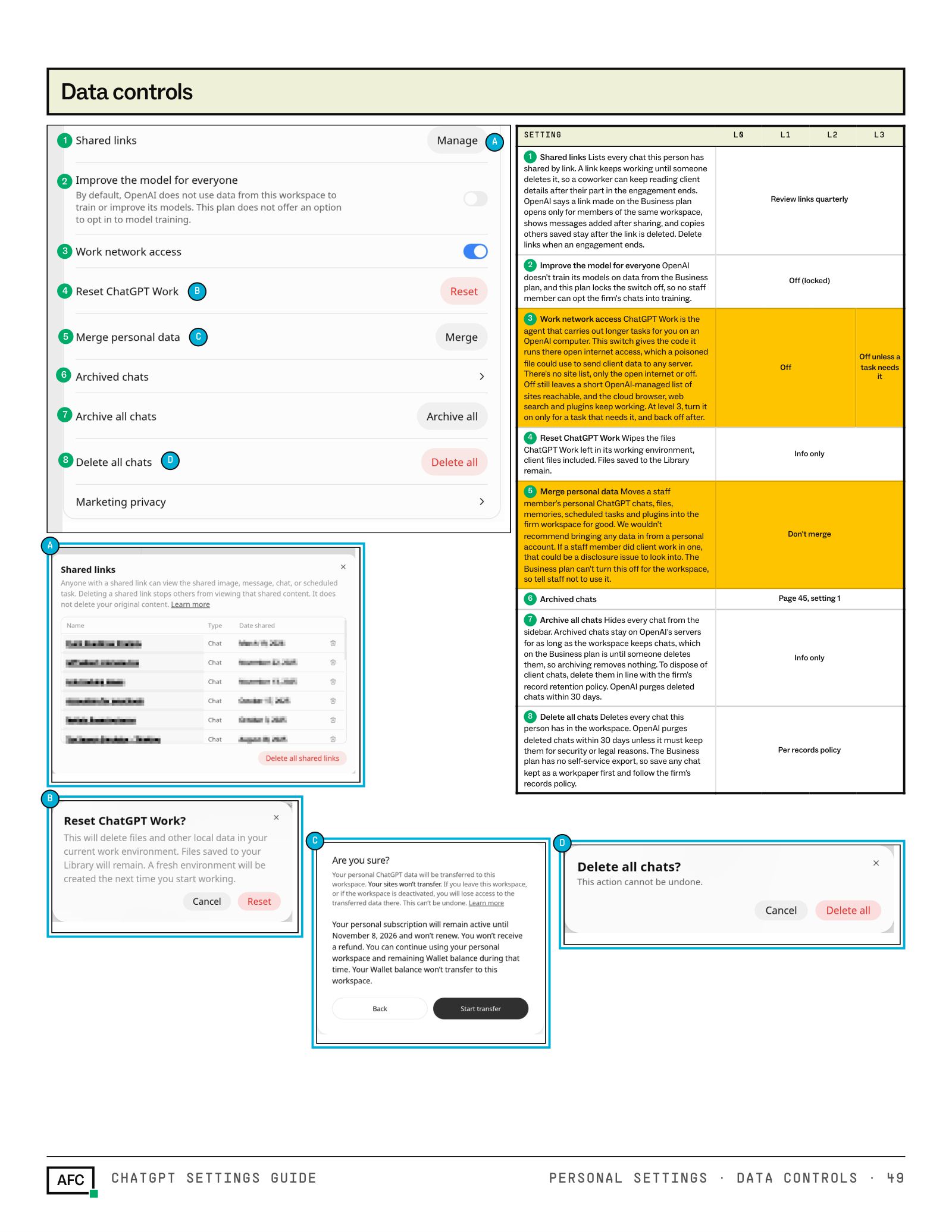
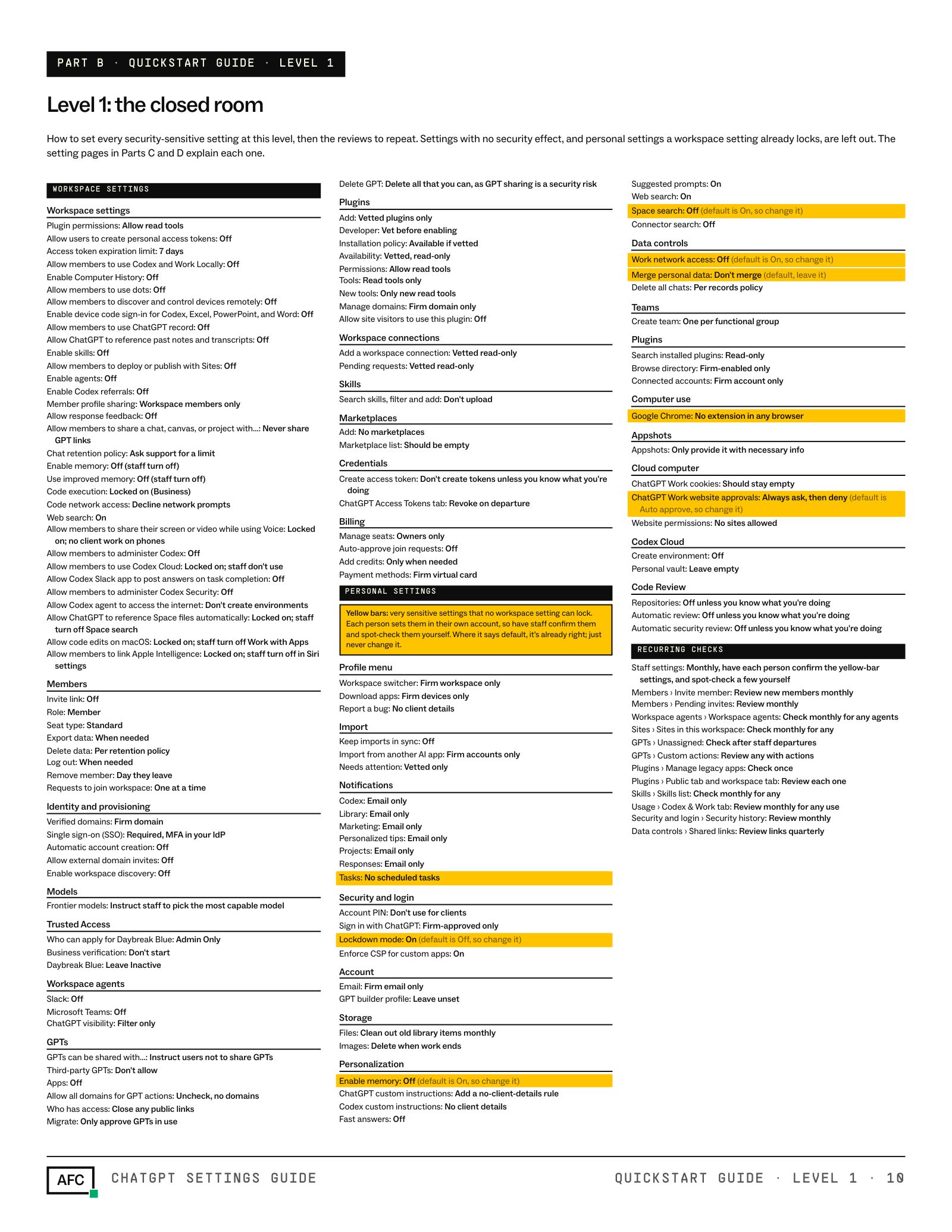
Here are a few pages from the guide. Each page walks through one workspace or personal settings screen in ChatGPT, in the same order as the menus, so you can work through it with the guide open beside you.
- The real settings screen. A screenshot of each page, with every setting numbered.
- What each setting does. A plain-English note on what it controls and what it means for client data.
- The value for your level. Guidance tailored to how aggressive you want to be.
- Yellow rows matter most. The settings most likely to expose client data are highlighted.
Click a page to see it full size
Plus two bonus guides
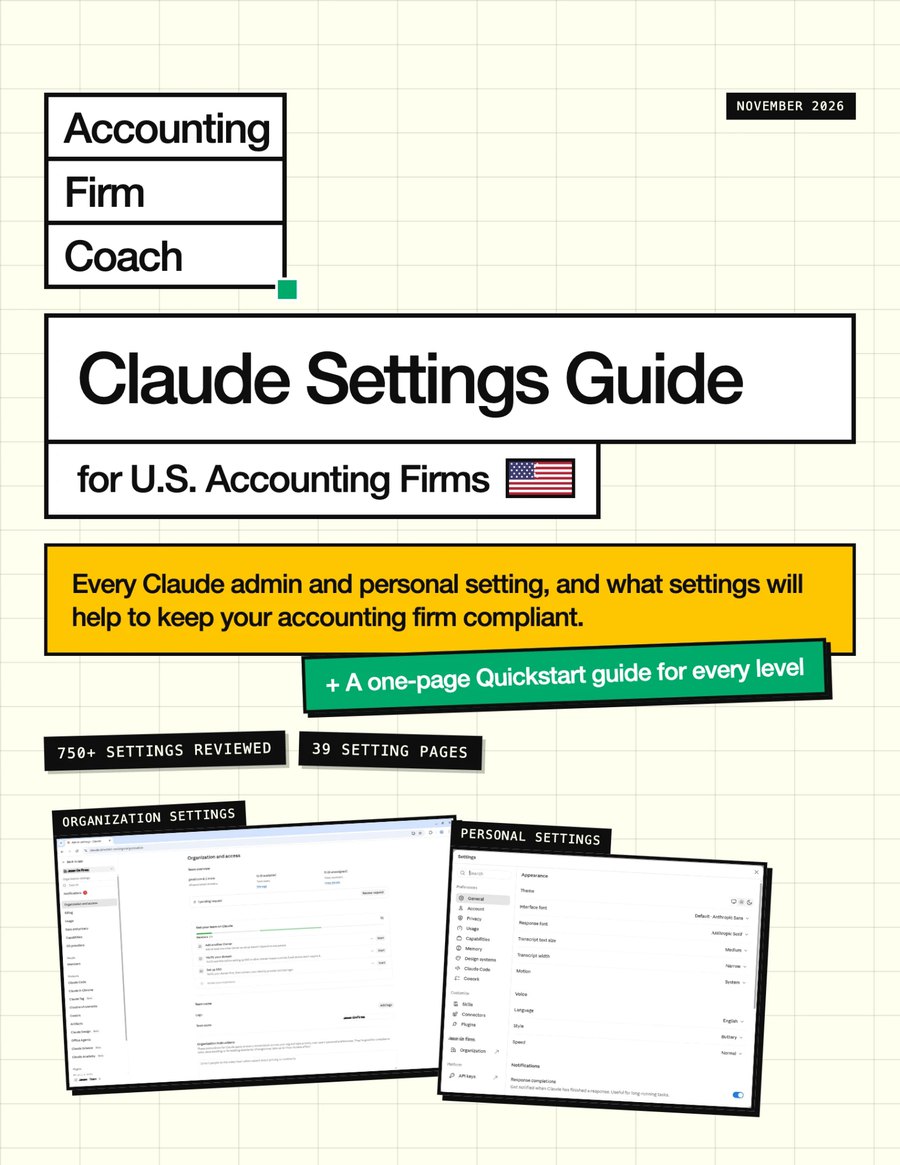
Claude settings guide
The same treatment for Claude: 750+ organization and personal settings, 91 annotated screenshots, and the value to use at each level. Useful if your team uses both, or you’re still deciding.
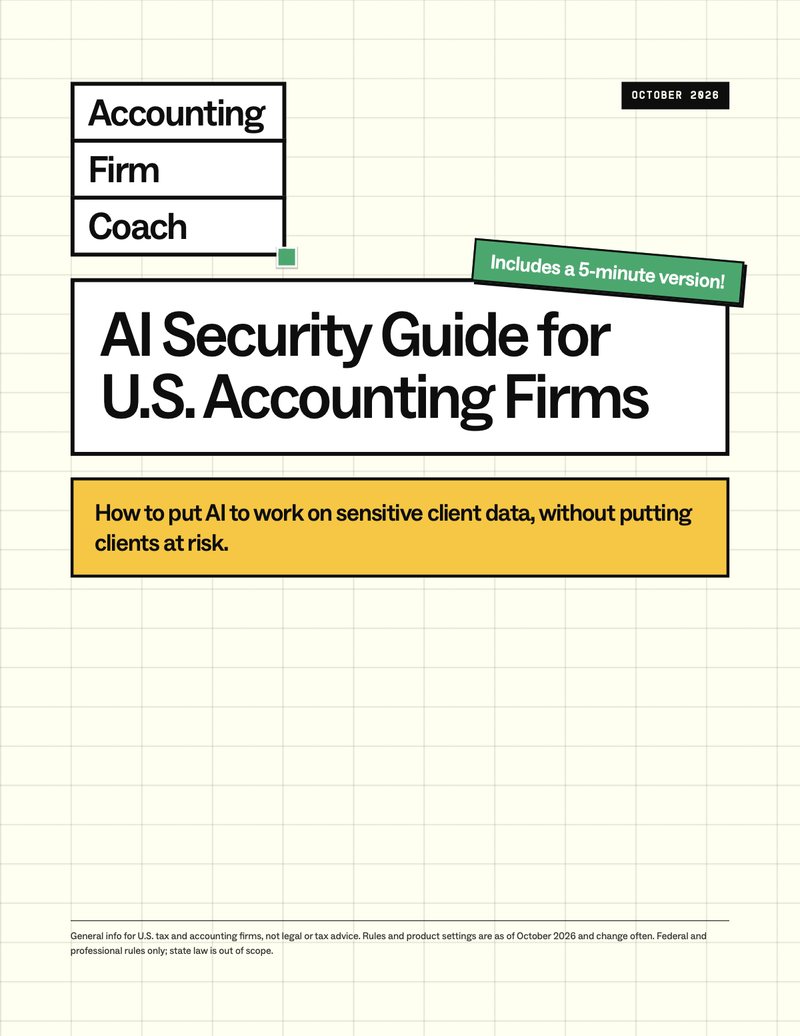
AI security guide
The settings guide tells you what to set. This one tells you why: what §7216, Circular 230 and the FTC Safeguards Rule say, how AI really handles your data, and a nine-step to-do list.
What's inside the ChatGPT guide
390+ ChatGPT settings
104 annotated screenshots of the real admin and personal settings screens, and a value for every security-sensitive setting at each of the four levels.
The four levels of AI access
A setup tailored to how aggressive you want to be. From the most locked-down way you could use ChatGPT, to more aggressive desktop automation. I’ll show you the different setups, and let you decide what you’re comfortable with.
A quickstart version
A one-page checklist for each level: every security-sensitive setting and the value to set it to. Pick your level and work down the list.
Admin settings
ChatGPT’s workspace settings, page by page in the same order as the admin menu, permissions included. Each one has an annotated screenshot and a table with the value for levels 0 to 3.
Personal settings
The settings each staff member controls for themselves, from memory and personalization to data controls, so your team knows what to set too.
This guide is my reading of the settings as of November 2026, not legal or tax advice. Settings and menus change often, so confirm each one in your own admin console, then make your own decisions with the help of your own advisors.